Un petit Easter Egg dans Informations système Apple, le logiciel d’Apple qui donne des informations sur un Macintosh. Il y a des bulles d’aide qui affiche des explications et des anecdotes sur certains des développeurs.
Pour afficher le menu, il faut faire -> About Apple System Profiler dans Apple System Profiler. Pour afficher l’aide, c’est Help -> Show Balloons. Je n’ai pas exactement la même version que MacKiDo (et je n’avais pas de Mac OS 8 en français sur mon Mac pour tester). Au passage, ça fonctionne sous Mac OS 8 (8.5 ici) mais pas Mac OS 9.2.2.
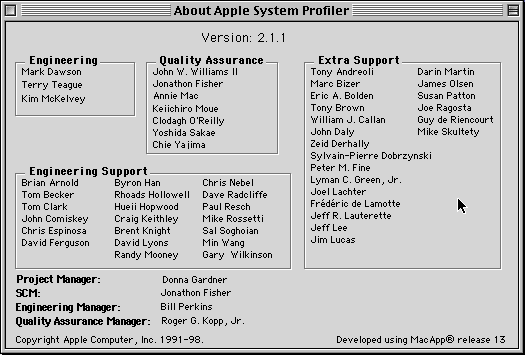
La fenêtre
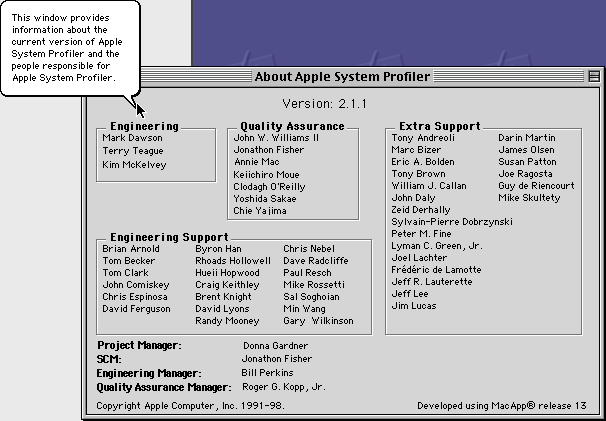
This window provides information about the current version of Apple System Profiler and the people responsible for Apple System Profiler.
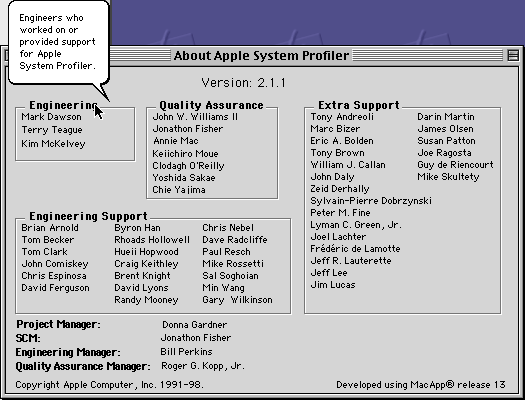
Engineers who worked on or provided support for Apple
System Profiler.
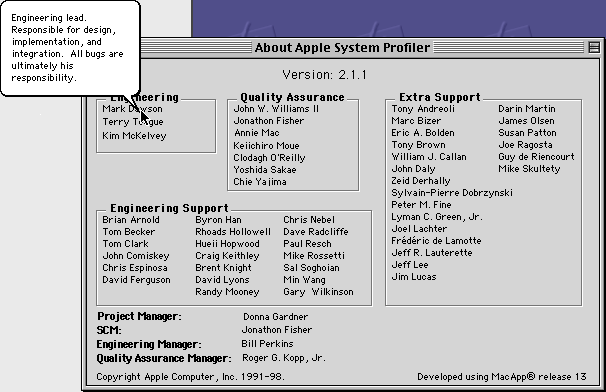
Engineering lead. Responsible for design, implementation, and integration. All bugs are ultimately his responsibility.
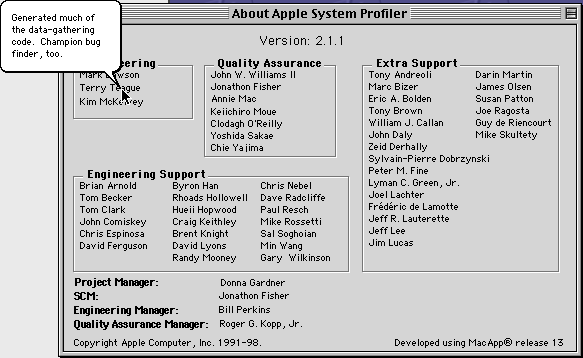
Generated much of the data-gathering code. Champion bug finder, too.
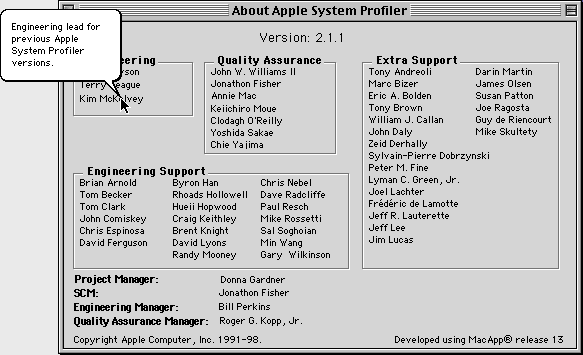
Engineering lead for previous Apple System Profiler versions.
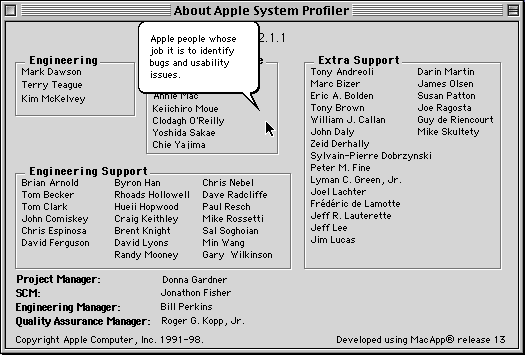
Apple people whose job it is to identify bugs and usability issues.
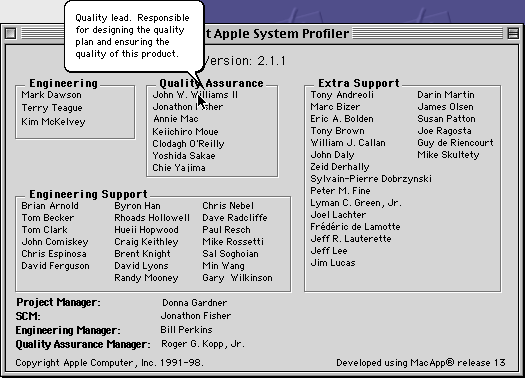
Quality lead. Responsible for designing the quality plan and ensuring the quality of this product.
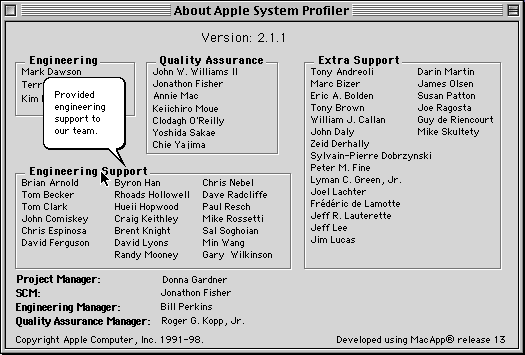
Provided engineering support to our team.
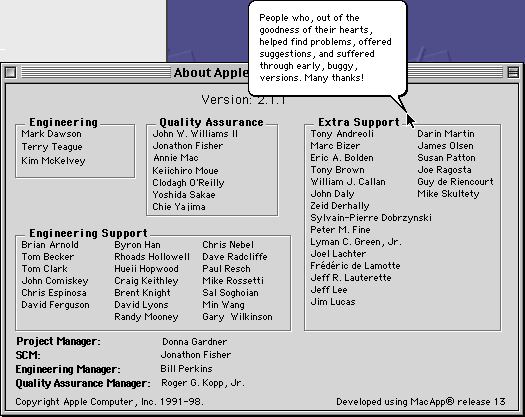
People who, out of the goodness of their hearts helped find problems, offered suggestions, and suffered through early, buggy, versions. Many thanks!
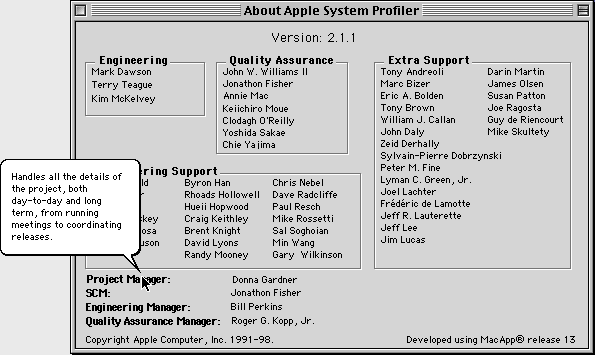
Handles all the details of the project, both day-to-day and long term, from running meetings to coordinating releases.
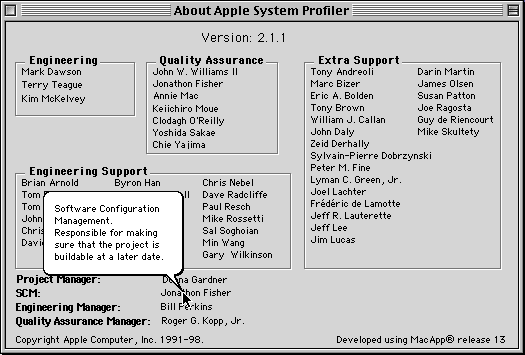
Software Configuration Management. Responsible for making sure that the project is buildable at a later date.
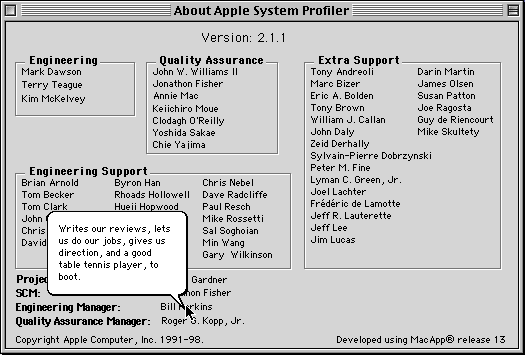
Writes our reviews, lets us do our jobs, gives us direction, and a good table tennis player, to boot.
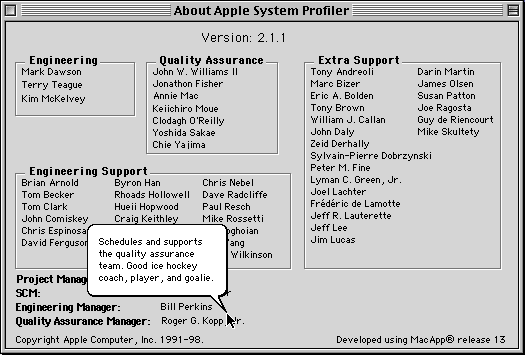
Schedules and supports the quality assurance team. Good ice hockey coach, player, and goalie.
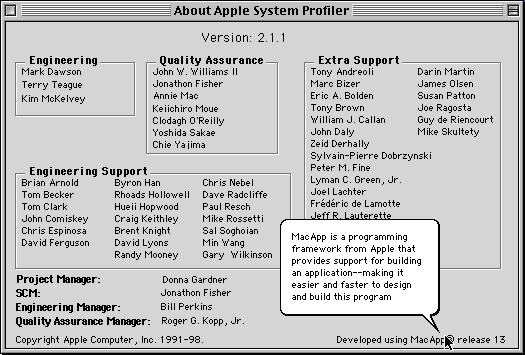
Mac App is a programming framework from Apple that provides support for building an application–making it easier and faster to design and build this program



Bonjour,
cela fonctionne sous mac os 9.0 français
clt
Merci de l’info !